Write
Write by hand with the Apple Pencil. LectureGlyph keeps every stroke, picture, and text box in the order it was made.
Thinking, made visible.
LectureGlyph remembers the order you wrote in. Prepare the page before class, then teach it live: the work reappears stroke by stroke, pausing where you chose, so your attention goes to the people in the room.
In plain words
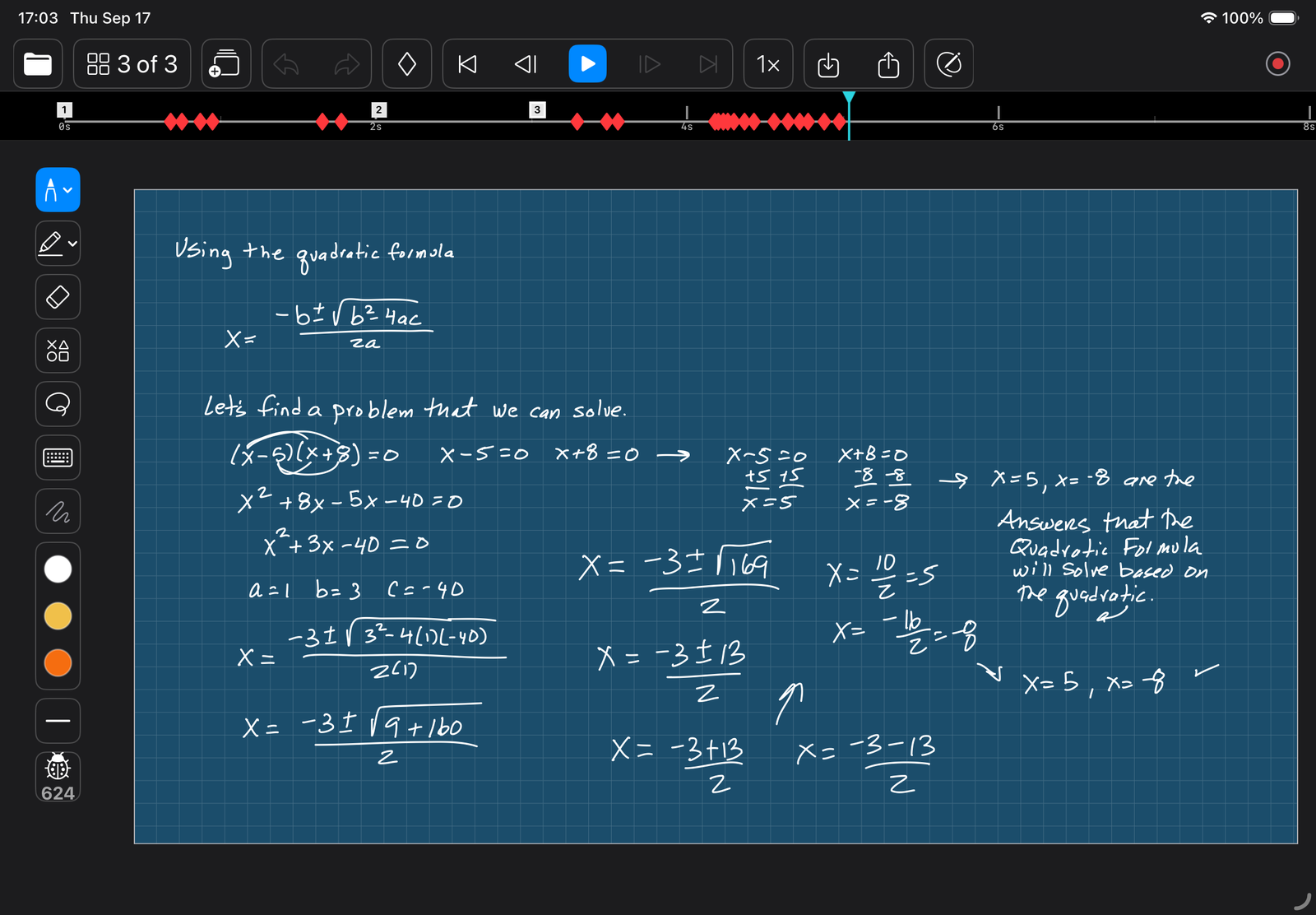
LectureGlyph is a whiteboard app for iPad that records the order of your work, not a video of it. You write a lesson by hand, ahead of time, at your own pace: the steps of a derivation, a diagram, a worked example, a sentence taken apart. As you go, you drop pause markers at the moments where you will want to stop and talk.
In class, you press play. The page starts blank and your handwriting comes back exactly as you made it. At each pause the page waits. That is where the teaching happens: you point to the work, ask the question, watch the faces, and continue when the room is ready.
The pencil never goes away. Pick it up mid-lesson to circle a term, add a step the class asked for, or work a fresh example on the spot. Writing live becomes a choice you make when it helps, not a job you carry through the whole hour.
And because the page arrives already written, nobody races to copy the board. Students can listen, and you can leave parts blank on purpose for them to work.
Thinking, made visible.
“A page of notes shows the answer. A LectureGlyph lesson shows how it arrived.”
— from LectureGlyph
The idea
Four moves, and the last one is the whole point.
Write by hand with the Apple Pencil. LectureGlyph keeps every stroke, picture, and text box in the order it was made.
Tap the diamond to place a pause marker wherever an idea should land: after a question, before a reveal.
Press play. The page rebuilds itself in your hand, stops at each marker, and waits for you.
Talk into the pause. Ask, listen, point, add a line by hand if you like. Then continue, from a clicker or a tap.
For any subject
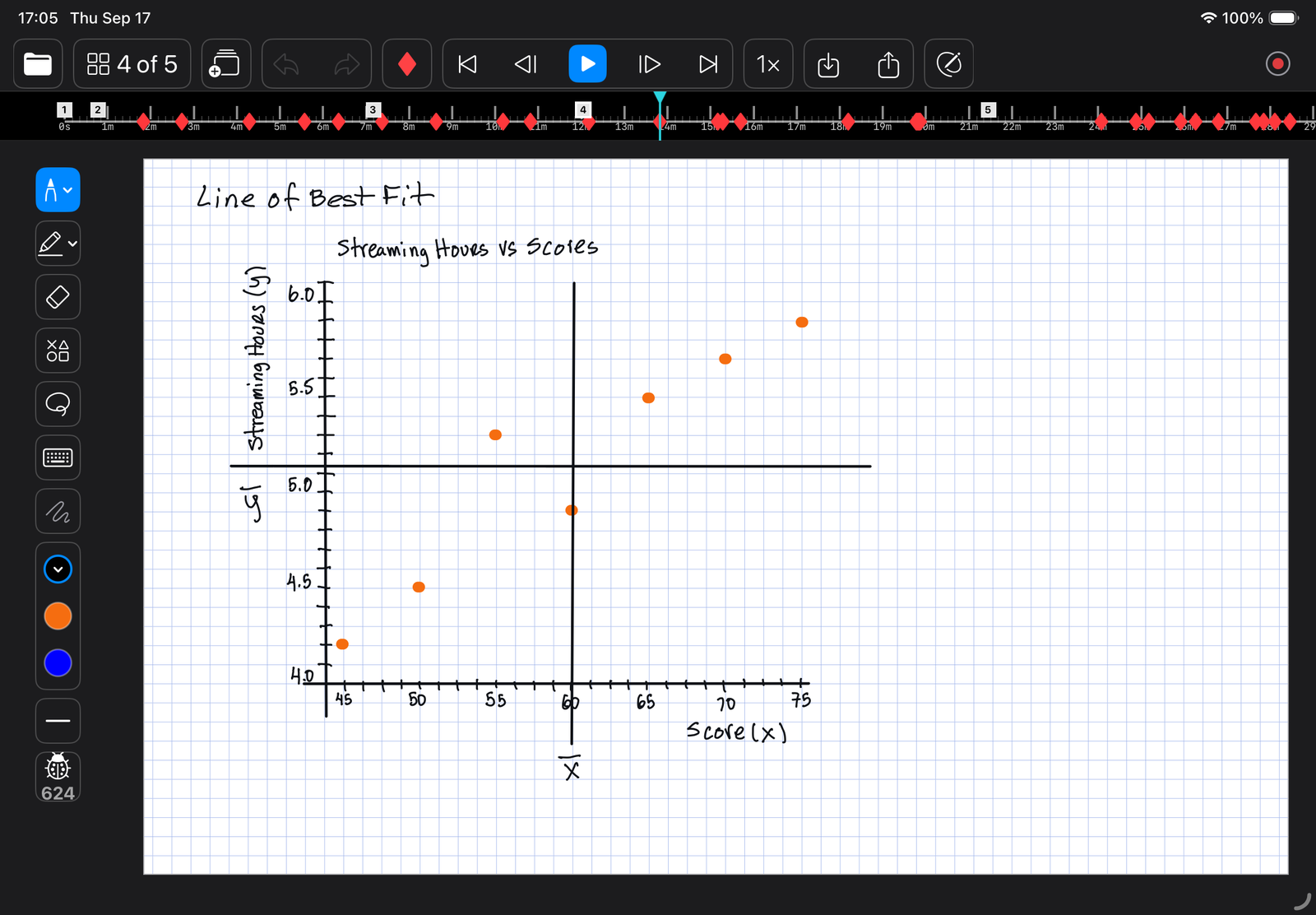
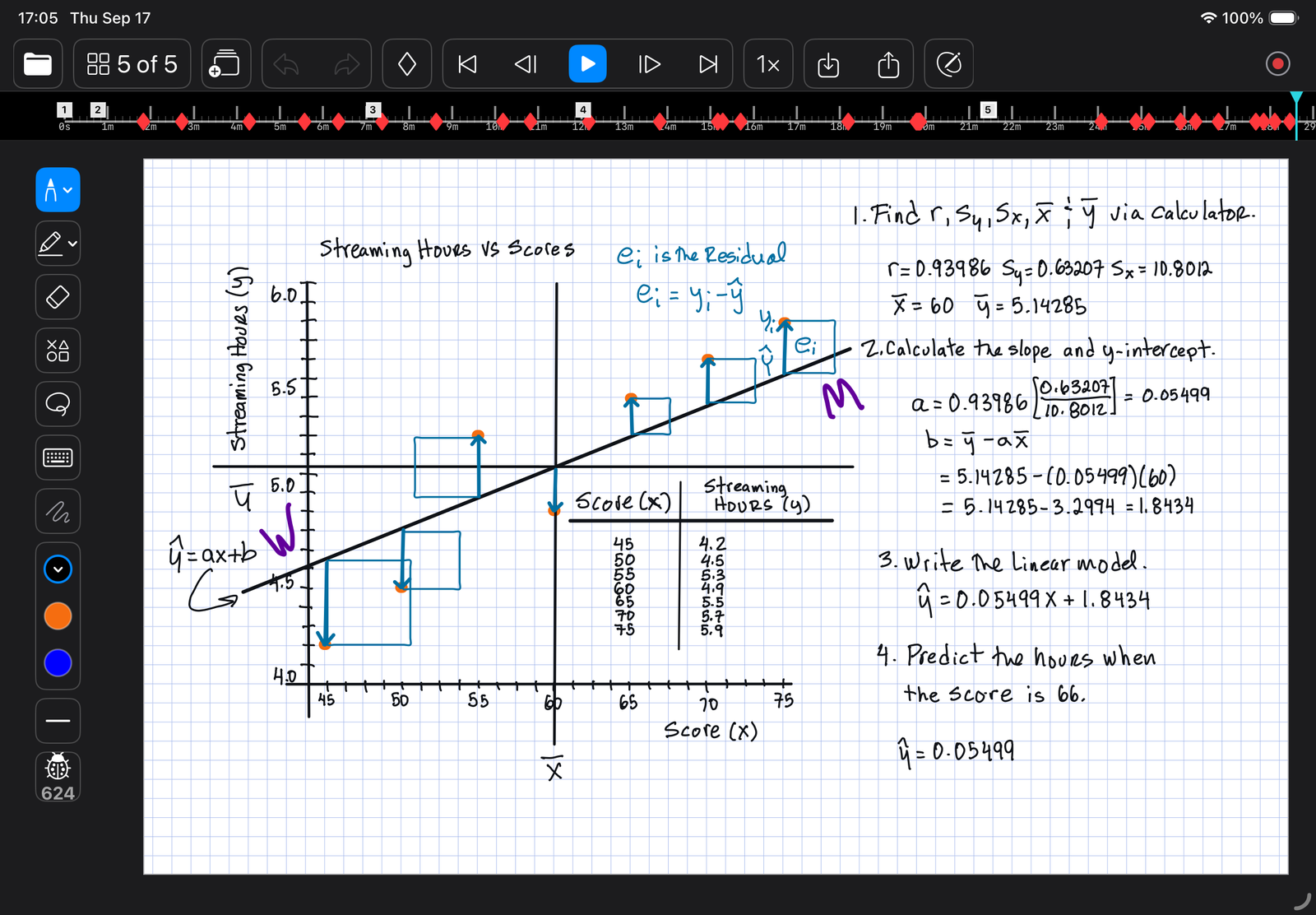
LectureGlyph was born in a mathematics classroom, but the need is the same anywhere an idea is built in steps and the order is part of the meaning.
Blank, ruled, grid, dot-grid, or music-staff paper. Pictures and PDF pages import onto the page, so a worksheet or a slide can be the background you write over.
Demo
Real lessons, replayed exactly as they were made, one idea at a time.
Why it works
A pause is not dead air. It is the moment when explaining turns into understanding, and it helps both sides of the room.
Teaching at a board is two jobs at once. Your hand produces the work while your voice explains it, and the two compete. Every teacher knows the result: narrating your own handwriting, checking the spacing, losing the room.
LectureGlyph moves the producing to before class. In the room the page rebuilds itself, your hands are free, and your whole attention goes to the people in front of you. Live writing is still one tap away whenever it helps.
A finished page shows a result. It does not show the reasoning, and reasoning is what a student has to learn. When the work appears one step at a time, in a human hand, the class watches thinking happen: what came first, what depended on what, where the decision was made.
That is the difference between memorizing an answer and understanding how to reach one. Each pause is a chance to ask the question before the page answers it, and the page can wait as long as the thinking takes.
What the learning research says
People learn more from material presented in meaningful chunks, with a moment to process between them, than from one continuous stream. A pause marker is a segment boundary made physical.
Spoken words and live drawing vanish as they go. A paused page turns a vanishing stream into stable steps a student can study for as long as the moment needs.
Students learn more from watching a diagram being drawn than from seeing it finished. The unfolding carries the meaning.
A solution shown clearly, step by step, is one of the most reliable ways to teach a novice. A LectureGlyph lesson is a worked example with the teacher present at every step.
Working memory is small. Moving the writing to before class frees the teacher's attention for the part only a person can do: the explanation and the room.
Handwriting engages the brain more broadly than typed text. LectureGlyph keeps the teacher's own hand at the center of the medium.
One prepared lesson serves them all: in person · live online · recorded · flipped · hybrid · bichronous. Full citations are in the white paper.
Inside the app
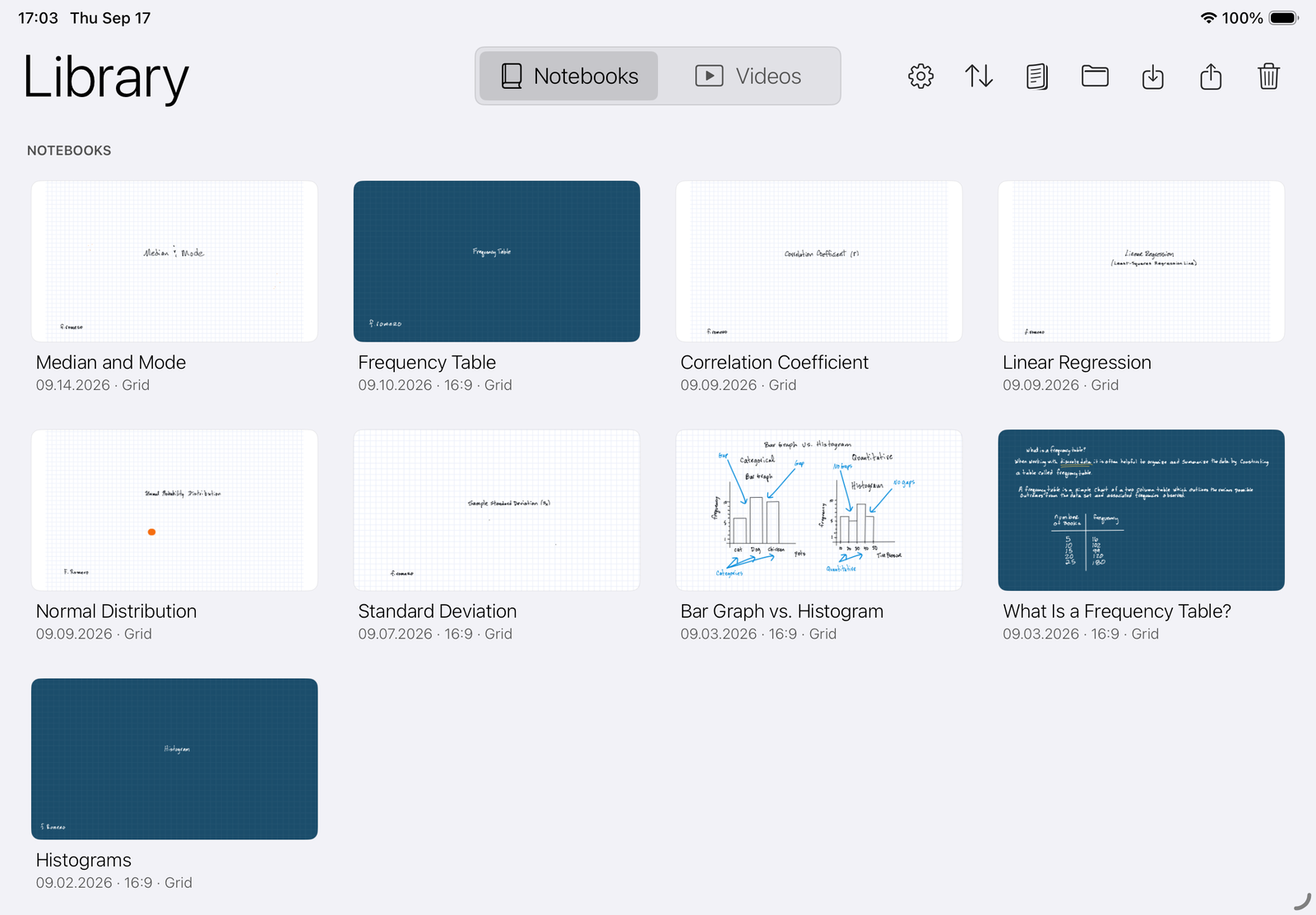
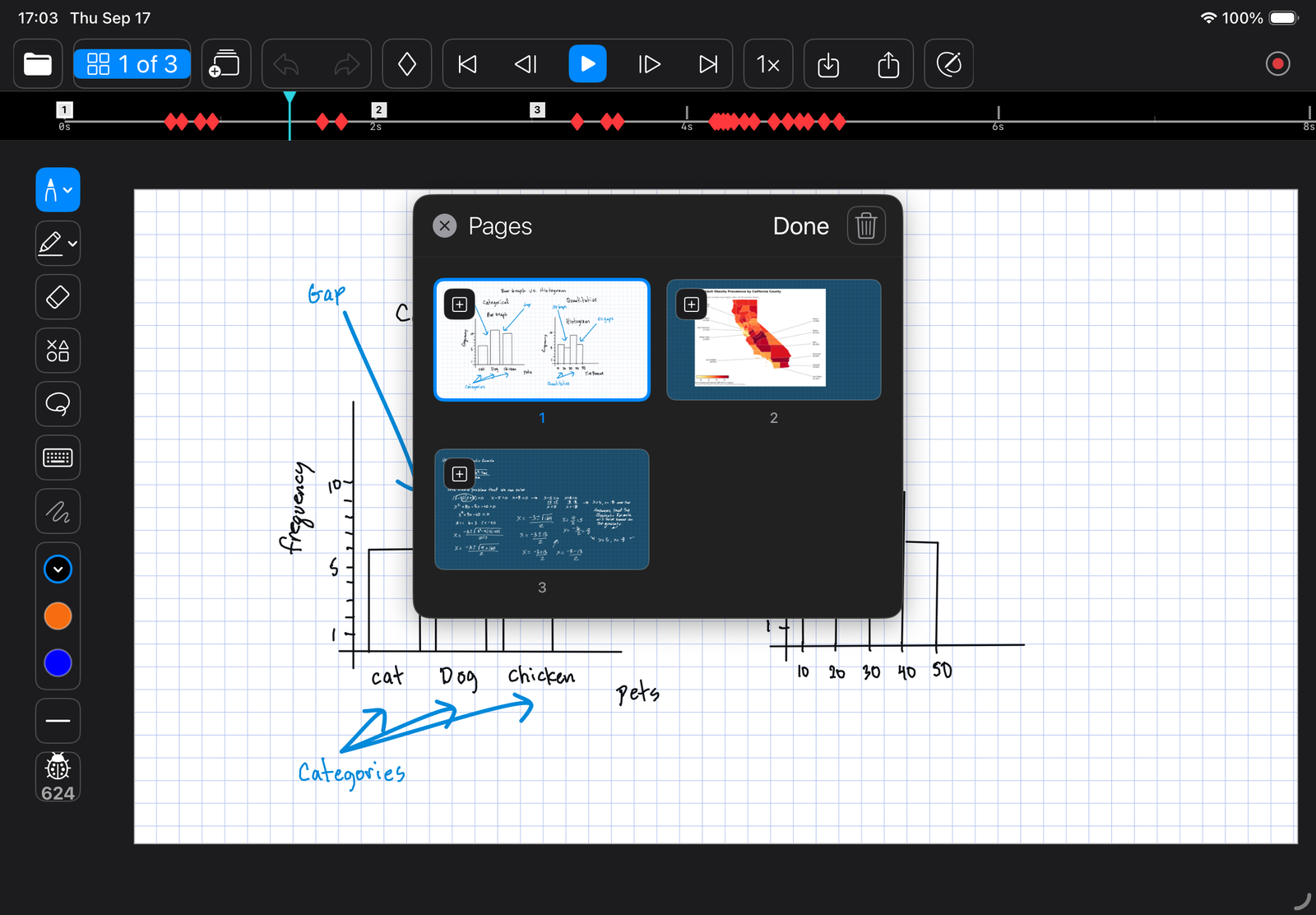
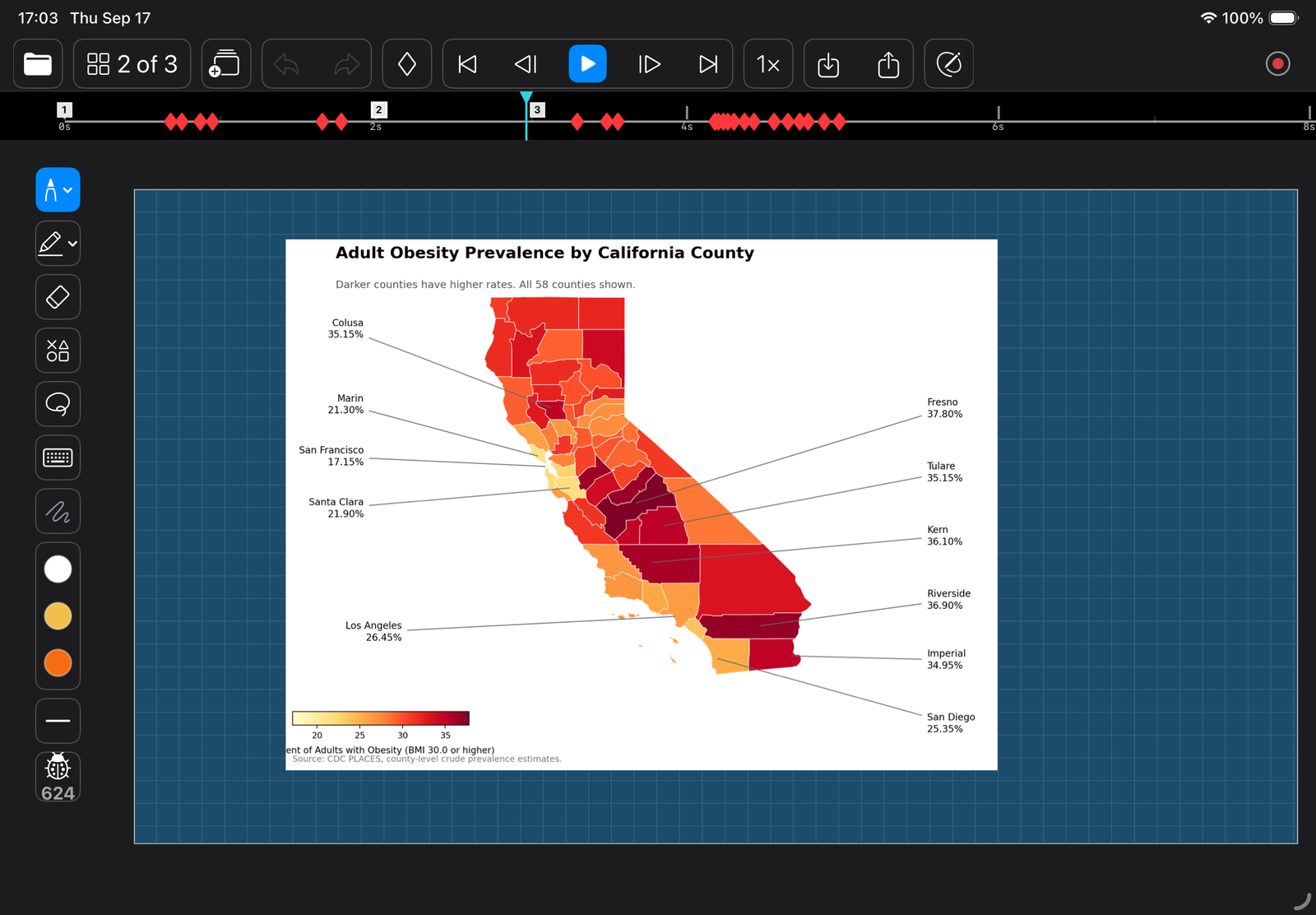
Every picture on this page is a screenshot of the app as it ships, with real lessons in it.

The white paper
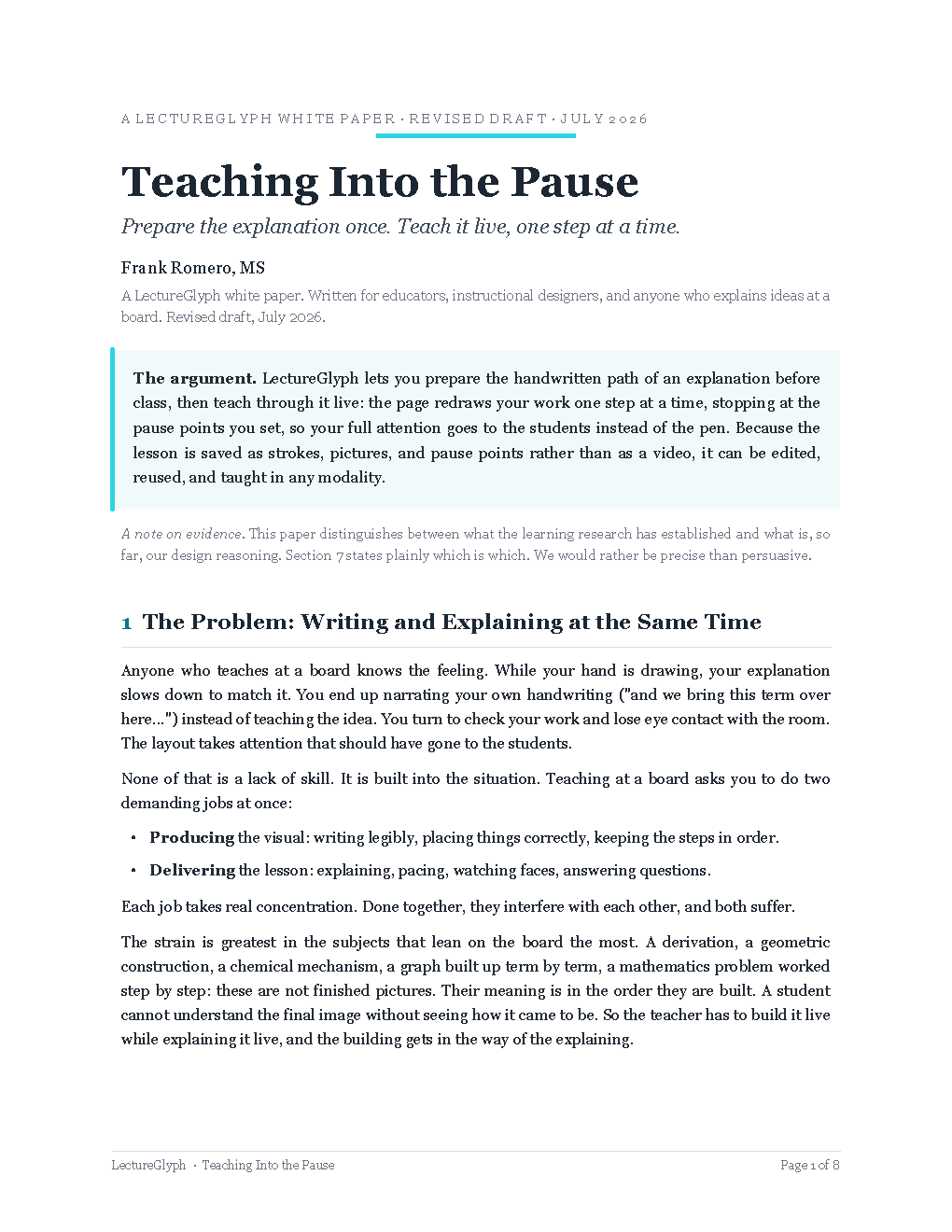
Seven pages on the thinking behind LectureGlyph: why writing and explaining at the same time shortchanges both, what the learning research says about a paced handwritten reveal, and how one prepared lesson serves the classroom, the flipped course, the hybrid course, and the bichronous course without being made twice.
Written for educators and instructional designers. Plain language, and honest about what is evidence and what is design.
LectureGlyph is coming to the App Store for iPad. Questions, classroom ideas, and early interest are all welcome.
Email lectureglyph@gmail.com